Finding Calm in Precursor App Development: The Calculator Journey
Building a TI-85 competitor scientific calculator for auditable hardware. Dual algebraic and RPN modes, expression parsing with the shunting-yard algorithm, and the unexpected peace that comes from building within constraints.
The Meditative Power of Constraints
There's something deeply calming about building software for constrained hardware.
No infinite scroll. No notification hell. No dark patterns optimizing for engagement. Just a 336x536 monochrome display, a physical keyboard, and a clear purpose: compute things.
The Precursor is the only truly auditable mobile computing platform. Every transistor documented. Every line of firmware open source. No proprietary black boxes. No cloud dependencies. No telemetry.
After weeks of building apps for this platform, I wanted something that would feel complete. Not a productivity tool with endless feature creep. Not a game that demands more levels. Something finite. Something mathematically pure.
A calculator.
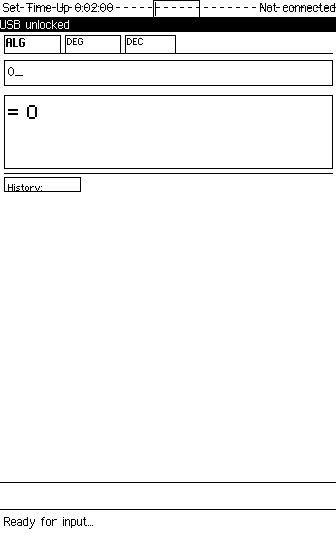
The calculator at rest. Clean. Waiting. No notifications competing for attention.
Why Build a Calculator in 2026?
Every phone has a calculator. Every computer has one. Why spend weeks building another?
Because the calculators on your phone are watching you. They're part of an OS that tracks your location, reads your messages, and phones home constantly. Even the humble calculator app contributes to a profile of when you're awake, what kind of math you do, and how often you reach for your device.
The Precursor calculator does none of that. It computes. It stores your settings encrypted in the PDDB. It asks for nothing in return.
But beyond privacy, there's craftsmanship. I grew up with TI calculators-devices that did one thing exceptionally well. They had personality. The TI-85's RPN mode. The satisfying click of physical keys. The way you could enter complex expressions and trust the result.
Modern phone calculators feel disposable. I wanted to build something that felt substantial.
The Architecture: Two Modes, One Philosophy
Scientific calculators split into two camps: algebraic (type like you write: 2+3*4) and RPN (Reverse Polish Notation, beloved by engineers and HP devotees: 2 Enter 3 Enter 4 * +).
I implemented both.
Algebraic Mode: The Shunting-Yard Algorithm
Algebraic mode required proper expression parsing. When you type 2+3*4, the calculator must return 14, not 20. Multiplication has higher precedence than addition.
The solution is Dijkstra's shunting-yard algorithm, a beautiful piece of computer science that converts infix notation to postfix using two stacks. Operators get sorted by precedence. Parentheses create nested scopes. Functions like sin and sqrt bind tightly to their arguments.
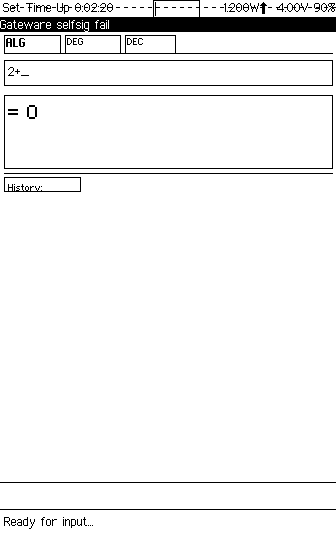
Expression entry: 2+3*4
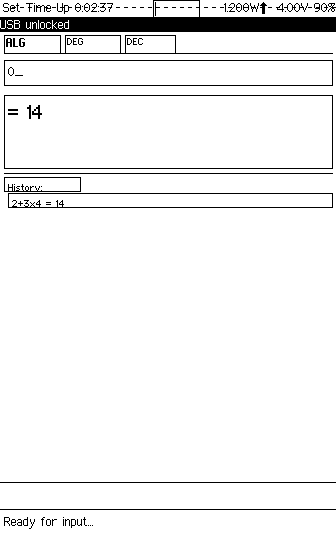
Result: 14 (not 20!)
Implementing the parser was meditative. Each edge case-unary minus, nested parentheses, implicit multiplication-required careful thought. No copy-paste from Stack Overflow. Just the algorithm, a text editor, and time to think.
Trigonometry: Where Angles Meet Precision
Scientific calculators live or die by their trig functions. sin(90) must equal exactly 1 in degree mode. Not 0.99999999. Not 1.0000000001. One.
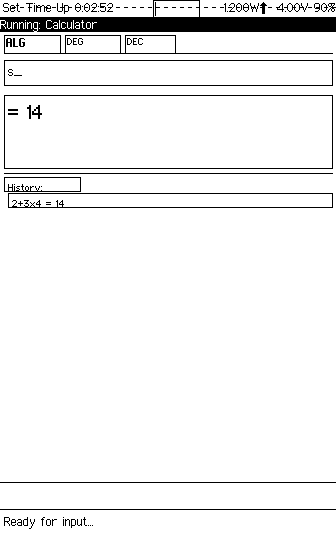
Entering sin(90)
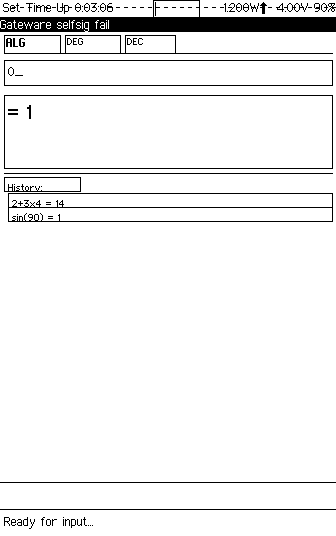
sin(90) = 1
The implementation handles degree-to-radian conversion transparently. Type sin(90) in degree mode and get 1. Switch to radians and sin(pi/2) gives the same result. The math is correct. The display is clean.
Square Roots and Beyond
Type function names directly. sqrt(2) evaluates to 1.41421356.... No hunting through menus. No memorizing obscure key combinations. Just type what you mean.
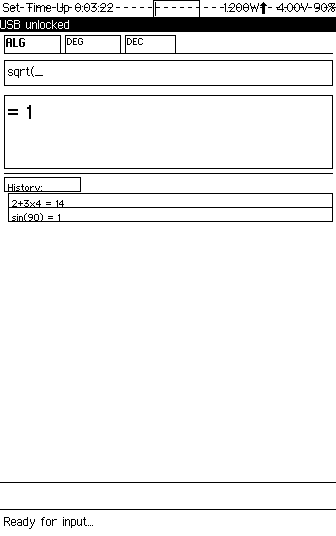
sqrt(2) = 1.41421356... The history tape shows previous calculations.
Parentheses: Override at Will
Sometimes precedence isn't what you want. (2+3)*4 should equal 20. The parser handles arbitrary nesting. No limits. No special cases.
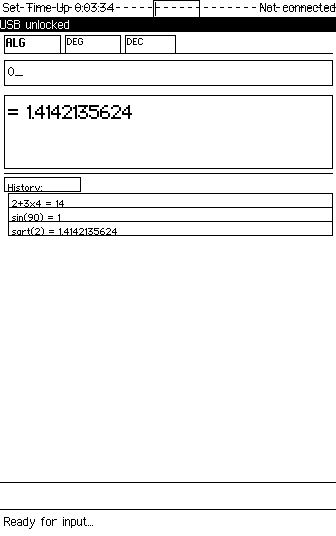
(2+3)*4
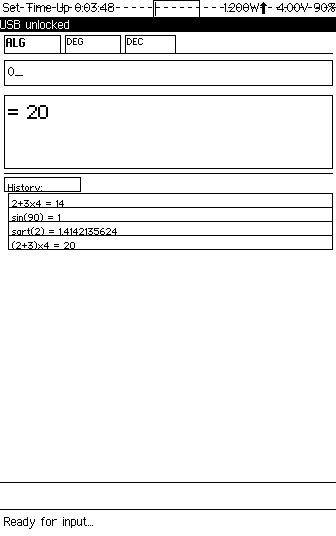
= 20
RPN Mode: The Engineer's Choice
Press M to toggle modes. The display transforms.
Instead of an expression line, you see a stack. Four registers: T, Z, Y, X. Classic HP-style. The X register is where you enter numbers. Press Enter to push. Apply an operator and it consumes operands from the stack.
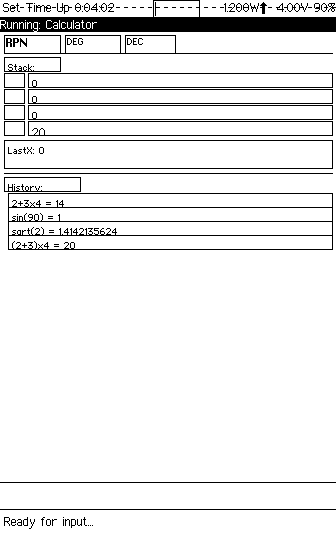
RPN mode: 4-level stack (T, Z, Y, X) with LastX recall
Stack Operations in Action
To compute 2 + 3 in RPN:
- Type
2, press Enter (pushes to Y) - Type
3(appears in X) - Press
+(adds X and Y, result in X)
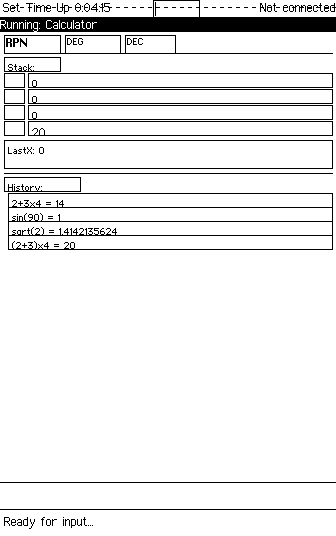
Enter 2
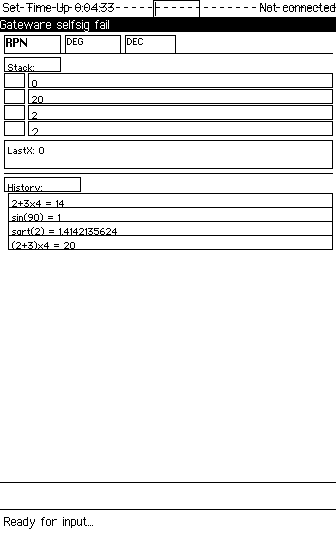
Push (2 moves to Y)
Enter 3
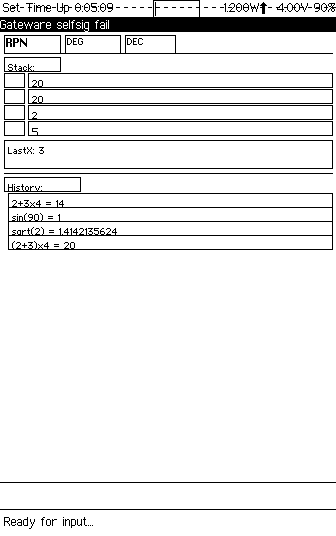
+ yields 5
RPN feels strange at first. Then it clicks. No parentheses needed. No precedence rules to remember. Just stack manipulation. Pure and direct.
Complex RPN Calculations
The real power of RPN emerges with complex calculations. Build up intermediate results on the stack. Apply functions. The LastX register remembers what X contained before the last operation-perfect for iterative calculations.
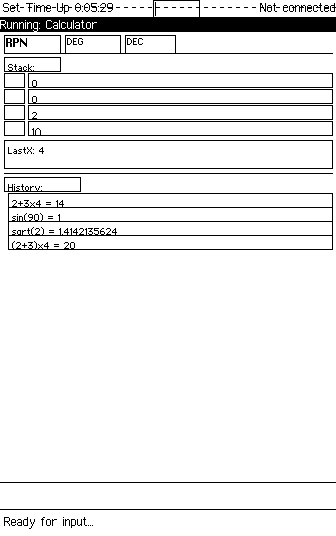
Stack with multiple values
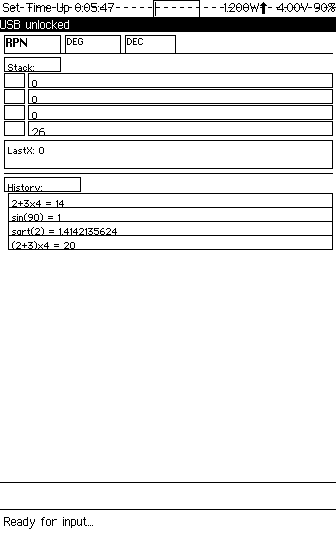
sqrt applied to X
Angle Modes: Because Context Matters
Press A to cycle through angle modes: DEG → RAD → GRAD. The status bar updates. All trig functions respect the current mode.
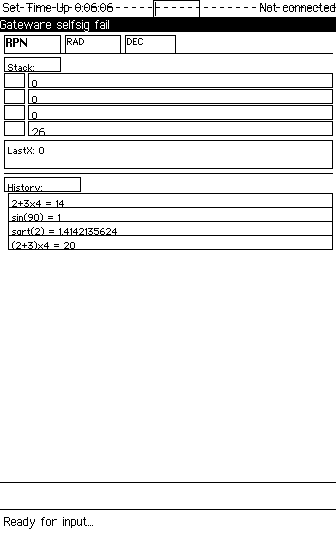
RAD mode (RPN)
RAD mode (Algebraic)
Memory: Store What Matters
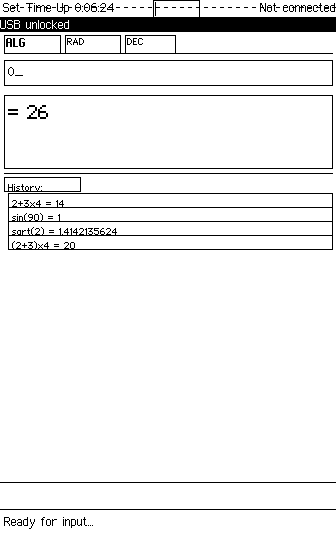
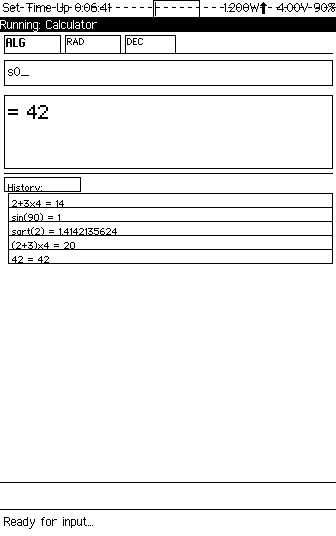
Ten memory registers. Press S then a digit to store. Press K then a digit to recall. Simple. Persistent. Encrypted in the PDDB.
Memory indicator shows when registers contain values
Number Bases: See Your Numbers Differently
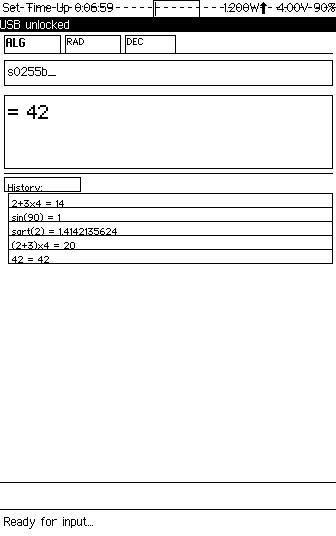
Press B to cycle through bases: DEC → HEX → OCT → BIN. The display reformats. Useful for programmers. Useful for anyone who thinks in different number systems.
Hexadecimal display mode
The Technical Journey
Building this calculator required ~3,500 lines of Rust across 11 modules:
src/
├── main.rs        # Entry point, event loop, GAM registration
├── app.rs         # CalcApp struct, mode dispatch
├── algebraic.rs   # Shunting-yard parser & evaluator
├── rpn.rs         # 4-level stack machine
├── functions.rs   # sin, cos, sqrt, ln, log, exp, factorial...
├── display.rs     # Number formatting, scientific notation
├── keymap.rs      # Keyboard → action mapping
├── memory.rs      # 10 memory registers
├── storage.rs     # PDDB persistence
└── ui.rs          # Drawing utilities, layout
Challenges Solved
Expression Parsing: The shunting-yard algorithm handles operator precedence, but unary minus was tricky. Is -3 a negative number or subtraction from an implicit zero? Context determines the answer. The tokenizer tracks whether the previous token expects an operand.
Keyboard Mapping: The Precursor has a physical keyboard, but letters serve dual purposes. In algebraic mode, s-i-n should type "sin", not trigger commands. Solution: uppercase letters for commands (M for mode, A for angle), lowercase for expression input.
Display Precision: Floating point is tricky. Display too many digits and you get ugly rounding artifacts. Too few and you lose precision. The solution: adaptive formatting. Small numbers show decimals. Large numbers use scientific notation. Trailing zeros are trimmed.
What I Learned
Constraints Enable Focus
The Precursor's limitations-monochrome display, no touchscreen, limited CPU-forced clarity. No room for feature bloat. Every pixel matters. Every keystroke must be intentional.
This constraint became freedom. I didn't agonize over color schemes or animation timing. I focused on correctness. Does sin(90) equal 1? Does the shunting-yard algorithm handle nested parentheses? Is the stack display clear?
Old Algorithms Are Beautiful
The shunting-yard algorithm is from 1961. It's elegant. It's efficient. It's exactly what this problem needs. Not every solution requires machine learning or microservices.
Sometimes the best code is the code computer scientists figured out 65 years ago.
Privacy Is a Feature
This calculator doesn't track you. It doesn't phone home. It doesn't require an internet connection. Your calculations are yours alone, encrypted on your device.
In 2026, that's remarkable. It shouldn't be.
The Source
The calculator is open source under the Apache 2.0 license. All 3,500 lines. All 19 screenshots. Everything needed to build it yourself.
github.com/tbcolby/precursor-calc
What's Next
The Precursor app ecosystem continues to grow. Writer, Flashcards, C64 Emulator, Timers, and now the Calculator. Each app proves that private, offline-first software can be beautiful and functional.
Next on the roadmap: LoRa wireless expansion. Encrypted peer-to-peer communication without internet infrastructure. The Precursor will become a mesh network node.
But for now, I'm enjoying the calculator. There's something deeply satisfying about pressing physical keys and seeing 2+3*4=14 on a monochrome display.
No notifications. No ads. No tracking. Just math.
That's calm.
, Tyler Colby, February 4, 2026
Explore the Precursor Scientific Calculator
TI-85 competitor. Algebraic and RPN modes. Open source. Zero tracking.